

A CRM built for window treatment retailers
Quorvia keeps every lead, appointment, quote, order and warranty in one dashboard. Leads come in from your website chatbot, email drips follow up with engagement tracking, and scheduled follow-ups keep you in touch after the sale.


Process
From signed quote to placed order
1
Get the lead
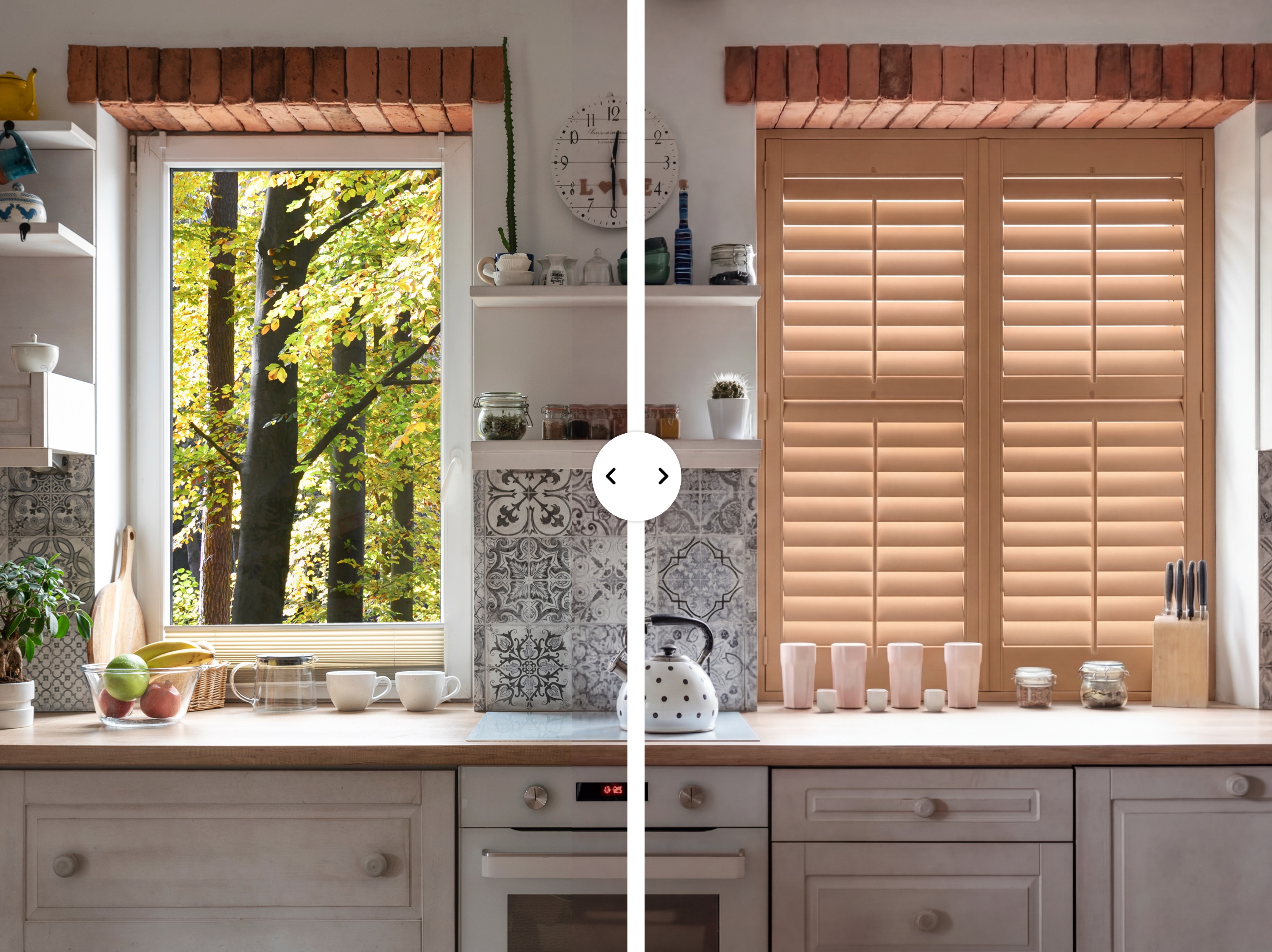
The 24/7 website chatbot and room visualizer capture leads, and email drips follow up with engagement tracking.
2
Book the visit
Book appointments straight from the lead. Quorvia connects with Google, Microsoft and Apple calendars.
3
Quote and follow up
Send quotes by link with open tracking, so you know when to call.
4
After the sale
Track warranties and schedule follow-ups. On Pro, email drips keep you in touch with past customers.
Why you need us
Everything in one place
Leads
Leads from your website chatbot land in Quorvia, ready to book.
Appointments
Appointment calendars sit next to your leads and quotes.
Quotes, orders and shipping
Estimates, purchase orders and shipping in the same dashboard.
Connects with Google, Microsoft and Apple mail.
Calls and texts
Calling, plus SMS texting as a $50/mo add-on.
Warranties
Warranty tracking for every job you install.
Switching from another CRM
1
Start free today
Run Quorvia alongside your current system. Nothing changes for your customers.
2
We import your data
Free import of anything your old system can export, including customers and open quotes.
3
Cancel when ready
Pro is free until your old contract ends: up to 6 months, or 3 if you’re month to month.
FAQs
Frequently Asked Questions
Q. Can I import my customers from my current CRM?
Q. Does Quorvia send follow-ups for me?
Q. Does it connect to my email and calendar?
Q. Can I export my data?
Q. Can I use it alongside my current system?